Unplug These Common Household Items to Lower Your Energy Bill
Why Unplugging Matters and What This Article Covers
Most high power bills do not come from one dramatic mistake; they build up through small habits repeated day after day. A charger left in the wall, a game console in instant-on mode, and a coffee maker with a glowing clock may each seem harmless on their own. Together, however, they create a quiet stream of standby electricity use that can follow your household around the clock. Learning what to unplug is not about living in the dark, but about stopping waste where convenience no longer needs it.
Energy experts often describe this background use as standby power, phantom load, or vampire power. The name sounds theatrical, but the effect is very real. Many modern devices consume a little electricity even when they appear to be off because they are waiting for a remote signal, preserving settings, showing a digital display, maintaining a network connection, or staying ready to start instantly. In many homes, this type of always-on usage is estimated to account for roughly 5 to 10 percent of residential electricity consumption. That percentage varies by home, device age, and local electricity prices, yet the basic lesson is consistent: tiny loads add up.
It is also important to be realistic. Unplugging every single item in your home will not magically slash your bill in half. Some plugged-in devices use so little power that the savings are minor, while others genuinely deserve attention because they draw several watts all day, every day. The smartest approach is selective, not extreme. Focus on items that combine three traits: they are used occasionally, they stay plugged in constantly, and they have standby features or transformers that continue drawing power in the background.
This article takes that practical route. It looks at the household items most likely to waste electricity when idle, compares bigger standby offenders with low-impact ones, and explains where unplugging makes sense and where it does not. To keep things organized, the discussion moves through the home in a simple sequence:
• entertainment and work devices that often stay in ready mode
• kitchen and laundry appliances with clocks, displays, or warm-up features
• chargers and personal electronics that quietly sip power throughout the day
• easy routines and tools that help you cut waste without making life inconvenient
Think of unplugging as the energy-saving equivalent of closing a dripping faucet. A single drip may not seem urgent, but left alone for months, it wastes more than most people expect. The same is true of electricity. Once you understand which household items deserve your attention, lower bills stop feeling mysterious and start looking manageable.
Entertainment and Work Devices: The Biggest Hidden Drains in Many Homes
If there is one area of the house where standby power likes to gather, it is the entertainment center and home office. These spaces are packed with devices designed to be convenient, responsive, and connected. That convenience often comes with a hidden trade-off: many of them keep drawing electricity even after you press the power button. A television may go dark, but the streaming box still waits for instructions. The soundbar remains ready to wake. The game console keeps part of its system active so updates can install in the background. On a desk nearby, a monitor sleeps, a printer idles, and a laptop dock waits for the next work session.
Game consoles are among the most important items to review. In low-power or full shutdown mode, many are relatively modest. In quick-start or instant-on mode, however, some models consume far more energy because they are set to download updates, stay network-connected, or resume almost instantly. A difference of even 8 to 12 watts running all year can translate into meaningful annual cost. At an electricity price of $0.15 per kilowatt-hour, a 10-watt standby load uses about 87.6 kilowatt-hours per year, or roughly $13. That still does not sound dramatic until you multiply it by several devices in the same room.
Streaming boxes, cable boxes, and older DVR units also deserve attention. Some modern streamers are fairly efficient, but cable boxes and older recording equipment can be surprisingly persistent energy users because they remain semi-active around the clock. If you regularly record shows, full unplugging may be impractical, but you can still check whether power-saving settings are available. Televisions themselves often use low standby power today, yet connected accessories around them may be the real issue.
Home office equipment can be just as sneaky. Consider these common culprits:
• printers and all-in-one devices with constant wireless readiness
• external speakers and subwoofers with glowing standby indicators
• desktop monitors, especially older models with bulky power supplies
• laptop docks, external hard drive enclosures, and powered USB hubs
A simple solution is to plug related devices into a smart power strip. When the main device, such as the TV or desktop computer, turns off, the strip can cut power to connected accessories automatically. This approach is often better than manually unplugging six cords every night. It targets the highest-value savings while preserving convenience. In short, the room designed for leisure and productivity can also be one of the easiest places to stop silent electricity waste.
Kitchen Appliances and Laundry Gear That Sip Power All Day
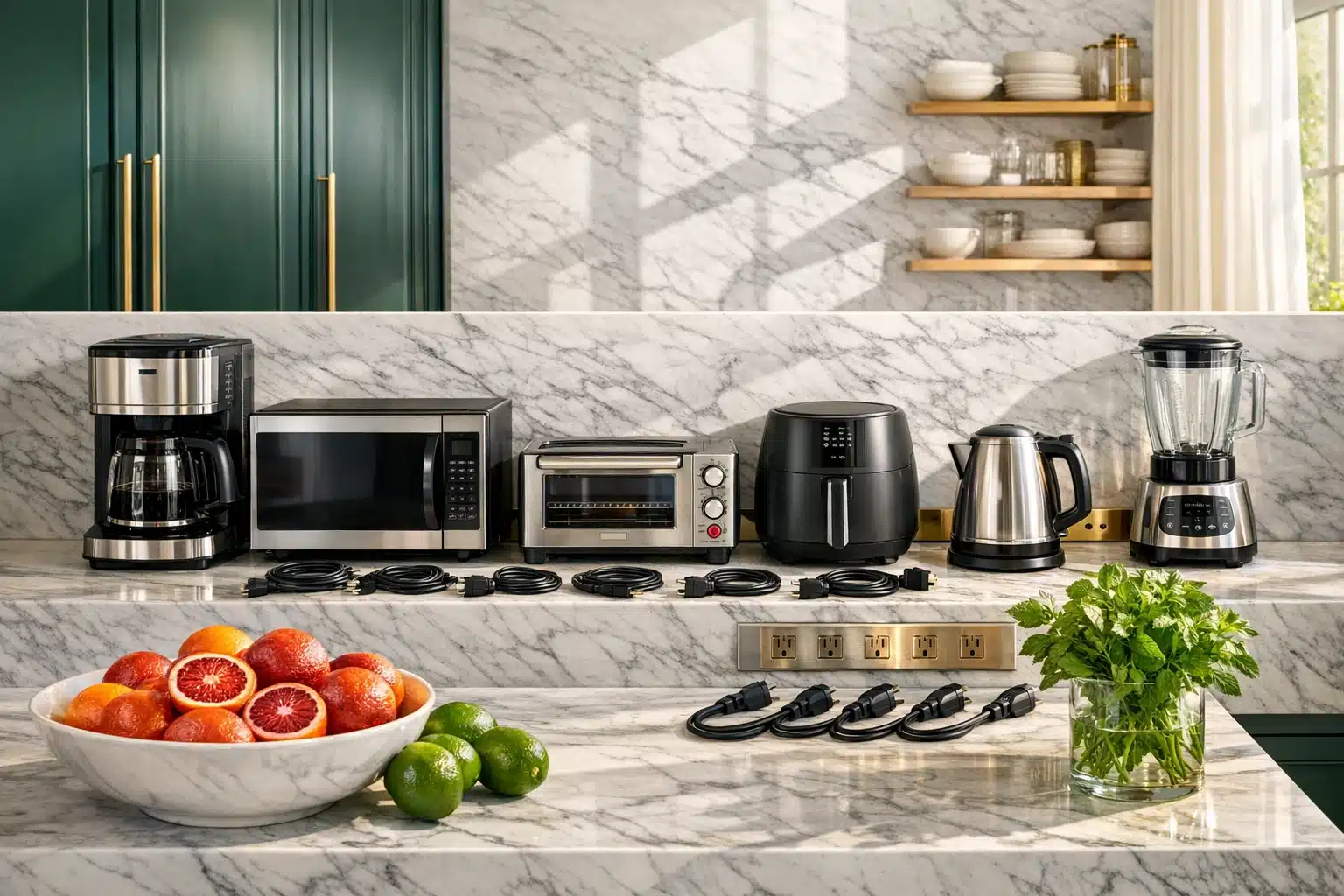
The kitchen has a talent for looking hardworking even when nothing is happening. A microwave displays the time like a tiny night watchman. The coffee maker glows in one corner. The toaster oven waits patiently for breakfast round two. Many of these appliances draw only small amounts of electricity when idle, but the kitchen often contains so many plug-in devices that the combined effect becomes worth attention. Unlike the refrigerator or freezer, which must stay on, these are usually convenience appliances that can be unplugged when not in regular use.
Microwaves are a classic example. The display clock and electronic controls do not use a huge amount of power, but they do use some continuously. If you unplug a microwave after each use, the savings may be modest and the inconvenience may be high, especially if it is mounted above a range. A countertop microwave in a low-use household is a better candidate. Coffee makers are similar. Models with clocks, auto-brew programming, warming plates, or illuminated buttons may continue drawing standby power all day. If you only use yours once in the morning, unplugging it afterward can be an easy habit.
Countertop appliances that are used occasionally are often the best targets. These include:
• toaster ovens and air fryers with digital displays
• rice cookers and slow cookers with keep-warm functions
• blenders with electronic control panels
• electric kettles with lit bases or temperature memory
• bread makers and specialty appliances used only a few times per week
Laundry areas also have a few surprises. Newer washers and dryers may have electronic displays, delay-start functions, Wi-Fi features, or touch panels that remain lightly powered. Standby use is usually not massive, but it can be present. If the machines are hard to access or used frequently, unplugging them may not be worth the trouble. But if you have secondary appliances, such as garment steamers, ironing stations, dehumidifiers used seasonally, or portable drying racks with powered components, unplugging after use makes both energy and safety sense.
The key comparison in the kitchen and laundry room is not simply watts, but frequency. A refrigerator is a large energy user overall, yet it obviously should remain plugged in. A toaster oven may use little when idle, but because it spends most of its life sitting unused, any standby draw is pure waste. That distinction matters. The goal is not to unplug what is essential, but to disconnect the appliances that keep waiting for a task that may not come until tomorrow, next week, or next month.
Chargers, Bathroom Tools, and Bedroom Electronics Worth a Second Look
Some of the easiest unplugging wins are scattered across the house in places people rarely think about. A phone charger beside the bed. An electric toothbrush base near the sink. A hair tool left plugged in after the morning rush. A spare laptop charger on the floor under a side table. None of these looks serious in isolation, and that is exactly why they stay plugged in for months. Small devices are the confetti of modern electricity use: light, ordinary, and suddenly everywhere.
It helps to separate myths from worthwhile action. A modern phone charger that is plugged into the wall with nothing connected usually draws a very small amount of power, often well below one watt. Unplugging one charger alone will not transform your bill. But many households do not have one charger. They have a cluster: phones, tablets, watches, earbuds, laptops, rechargeable vacuums, e-readers, speakers, and battery packs. A single trickle multiplied across many adapters and many rooms becomes more meaningful over a year.
Bathroom tools add another layer because safety and energy often point in the same direction. Hair dryers, curling irons, straighteners, heated grooming tools, and electric shavers should not sit plugged in indefinitely. Even if standby energy is low, unplugging them after use reduces fire risk and avoids needless draw from indicator lights or internal electronics. Electric toothbrush bases and rechargeable razors are more nuanced. Some are designed to remain on the base continuously, while others can be charged and then unplugged until needed again. Checking the manufacturer guidance is wise, especially for battery health.
Bedrooms also hide persistent energy use. Common examples include:
• bedside lamps with USB charging bases or touch controls
• sound machines, alarm clocks, and smart speakers that stay on constantly
• bedroom televisions and streaming sticks left in standby mode
• heated blankets or mattress pads that remain plugged in when not in use
• laptop chargers and gaming handheld docks left connected all day
The best rule in these personal spaces is to notice patterns. If a device truly serves you every hour, leave it alone. If it exists in a state of permanent readiness for a task you perform once every few days, it is a strong unplugging candidate. Bedrooms and bathrooms may not house the biggest electrical loads, but they are often where convenience quietly turns into waste because no one is watching closely. Once you do watch, the little red and blue lights start telling a very different story.
A Smart Unplugging Routine for Busy Households
The most effective way to lower your energy bill is not to wander through the house yanking cords at random. That quickly becomes annoying, and annoying systems rarely last. A better method is to create a short, repeatable routine based on which devices use meaningful standby power and which are easy to disconnect. This is where strategy beats enthusiasm. When people fail at energy-saving habits, it is usually not because the idea was wrong; it is because the process was too inconvenient.
Start by dividing household electronics into three groups. First, there are items you should generally leave plugged in: refrigerators, freezers, medical devices, internet equipment you need continuously, security systems, and anything that could be damaged or made less useful by frequent disconnection. Second, there are items worth unplugging after use: hair tools, guest-room chargers, seasonal appliances, spare televisions, air fryers, coffee makers, printers, and entertainment accessories. Third, there are items that depend on your schedule: game consoles, desktop setups, bedroom electronics, and certain countertop appliances. These are the devices that benefit most from automation.
A plug-in power meter can help you decide where effort will matter. Measure a device in active mode, sleep mode, and off mode if possible. The numbers can be eye-opening. Even a seemingly small standby draw becomes more concrete when you do the math. The yearly cost formula is simple: watts divided by 1,000, multiplied by 24 hours, multiplied by 365 days, multiplied by your electricity rate. Once you attach dollars to a blinking device, it stops looking harmless.
To make unplugging easier, try these practical tools and habits:
• use smart power strips for TV stands and desk setups
• place rarely used appliances on easy-to-reach outlets
• label a few plugs if several cords look identical
• build a nightly reset habit for one or two high-clutter areas
• switch devices from instant-on to energy-saving modes when available
For homeowners, renters, families, and anyone simply tired of seeing utility costs inch upward, the takeaway is reassuring. You do not need a renovation, solar array, or complicated spreadsheet to start saving. Focus first on the devices that idle the longest and do the least. Unplug selectively, automate where possible, and keep only the truly necessary equipment running full time. That approach will not make your bill vanish, but it can trim waste in a steady, realistic way. In a home full of electronics, the smartest savings often begin with the quietest devices.